








 01
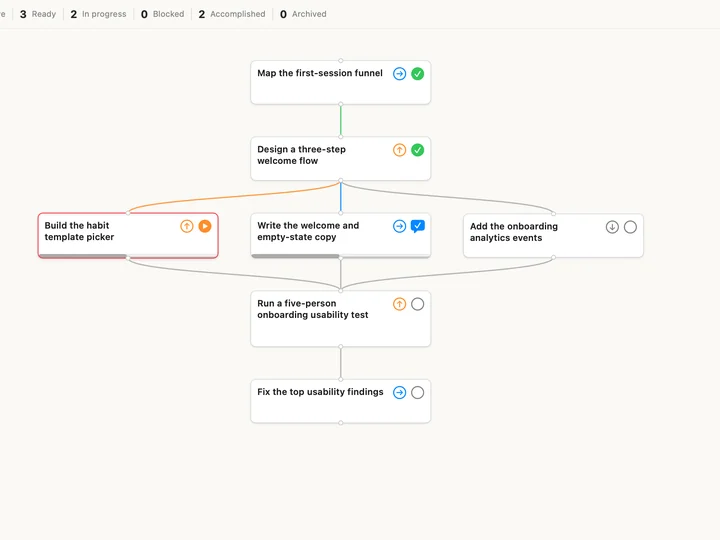
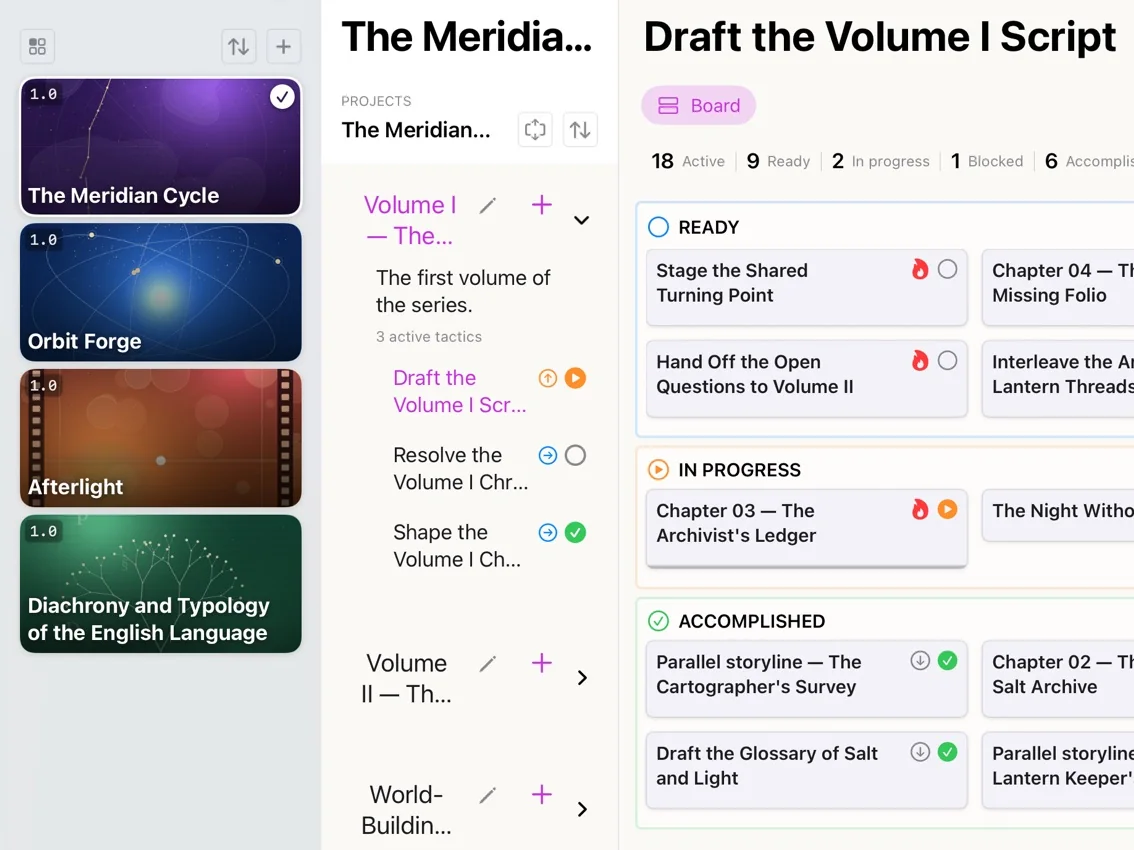
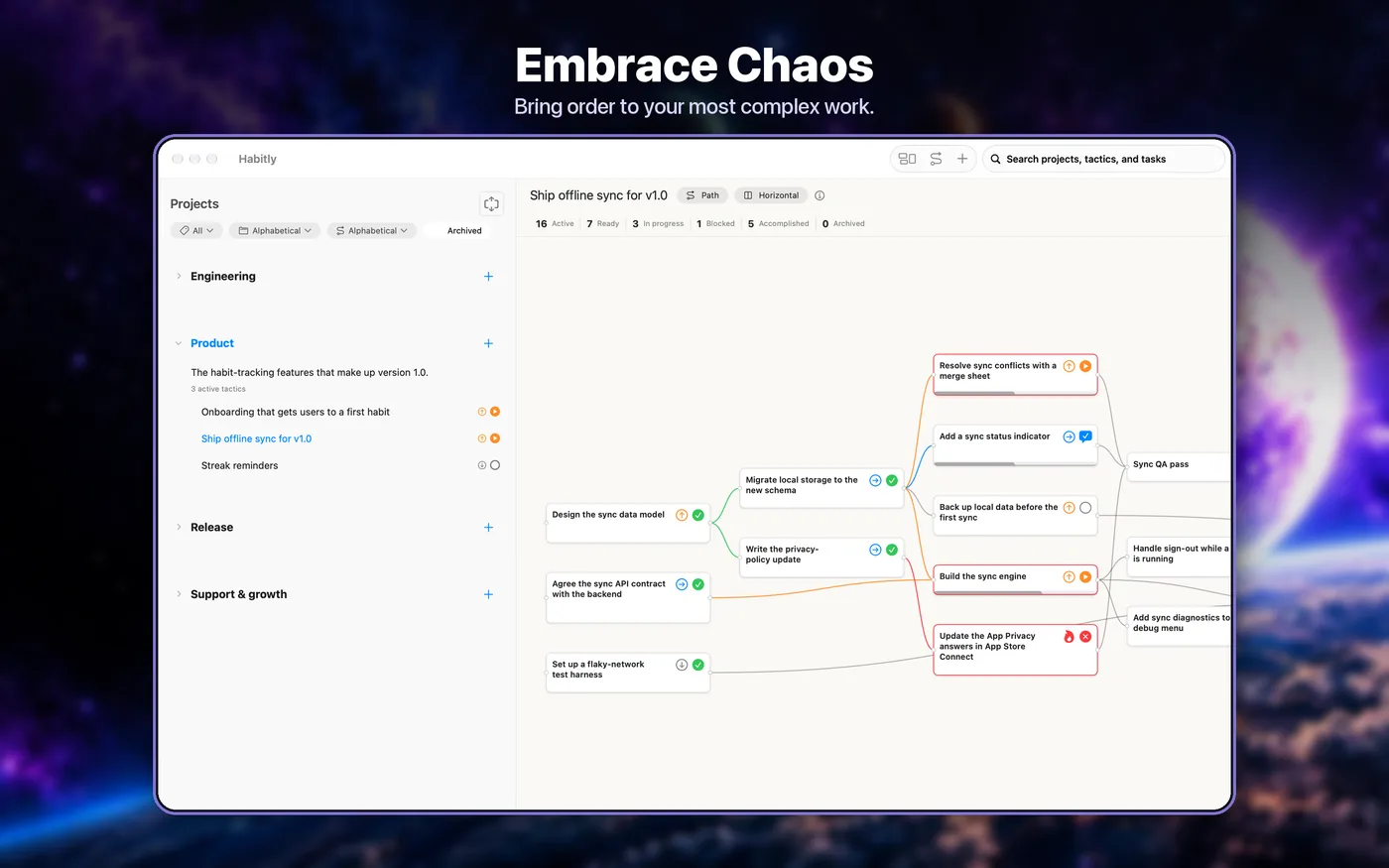
See how the work connects
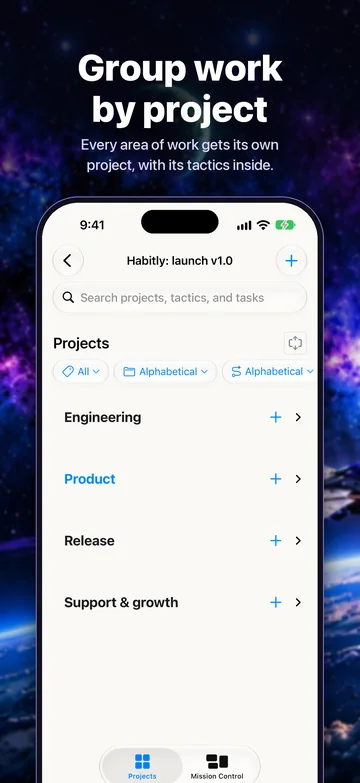
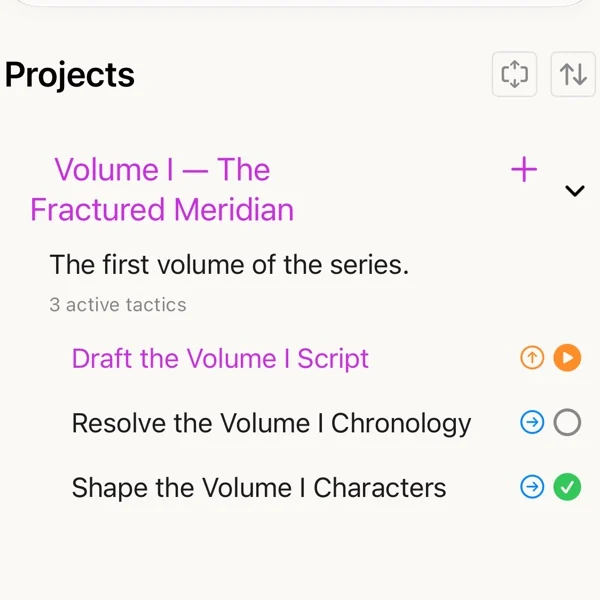
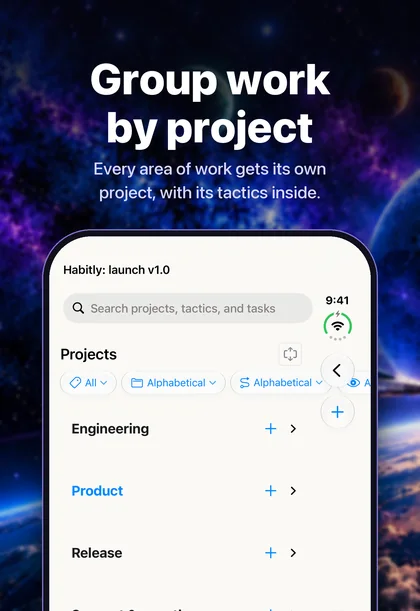
Connect systems, projects, tactics, and tasks so every step has a place in the bigger picture.

Ecelyo
Ready to launch
Ecelyo brings people and AI agents into one workspace, where plans, tasks, and progress stay connected.
See how it worksOne workspace, shared
Keep the system, next step, and handoffs in view so people and agents can make progress together.
01
Connect systems, projects, tactics, and tasks so every step has a place in the bigger picture.
 02
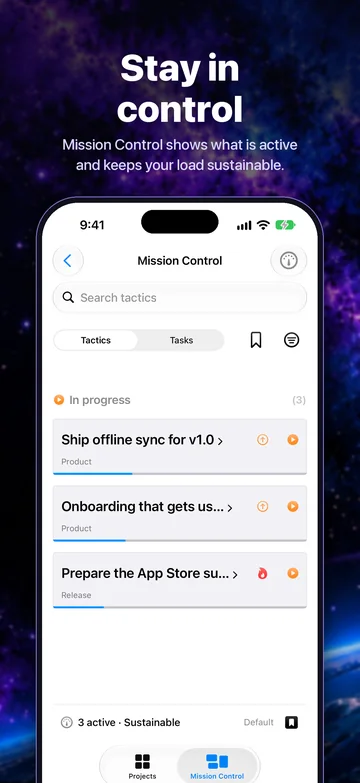
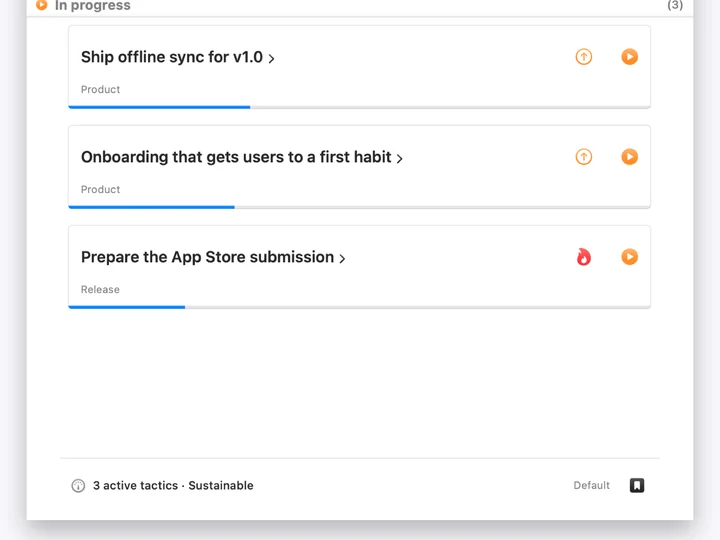
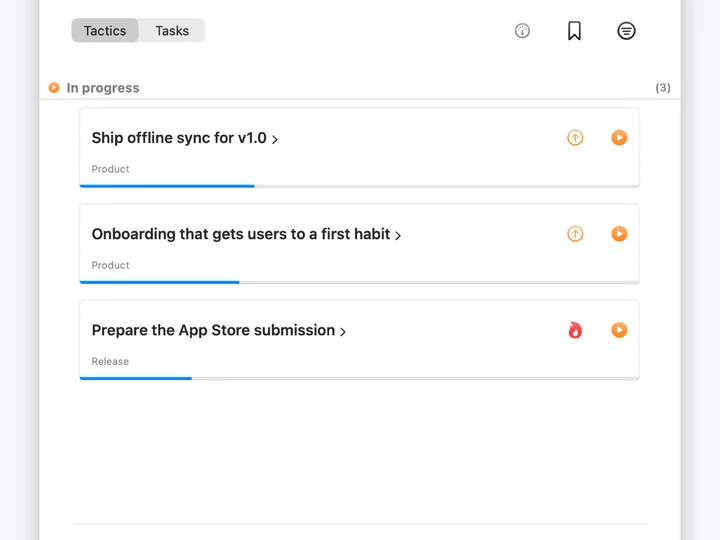
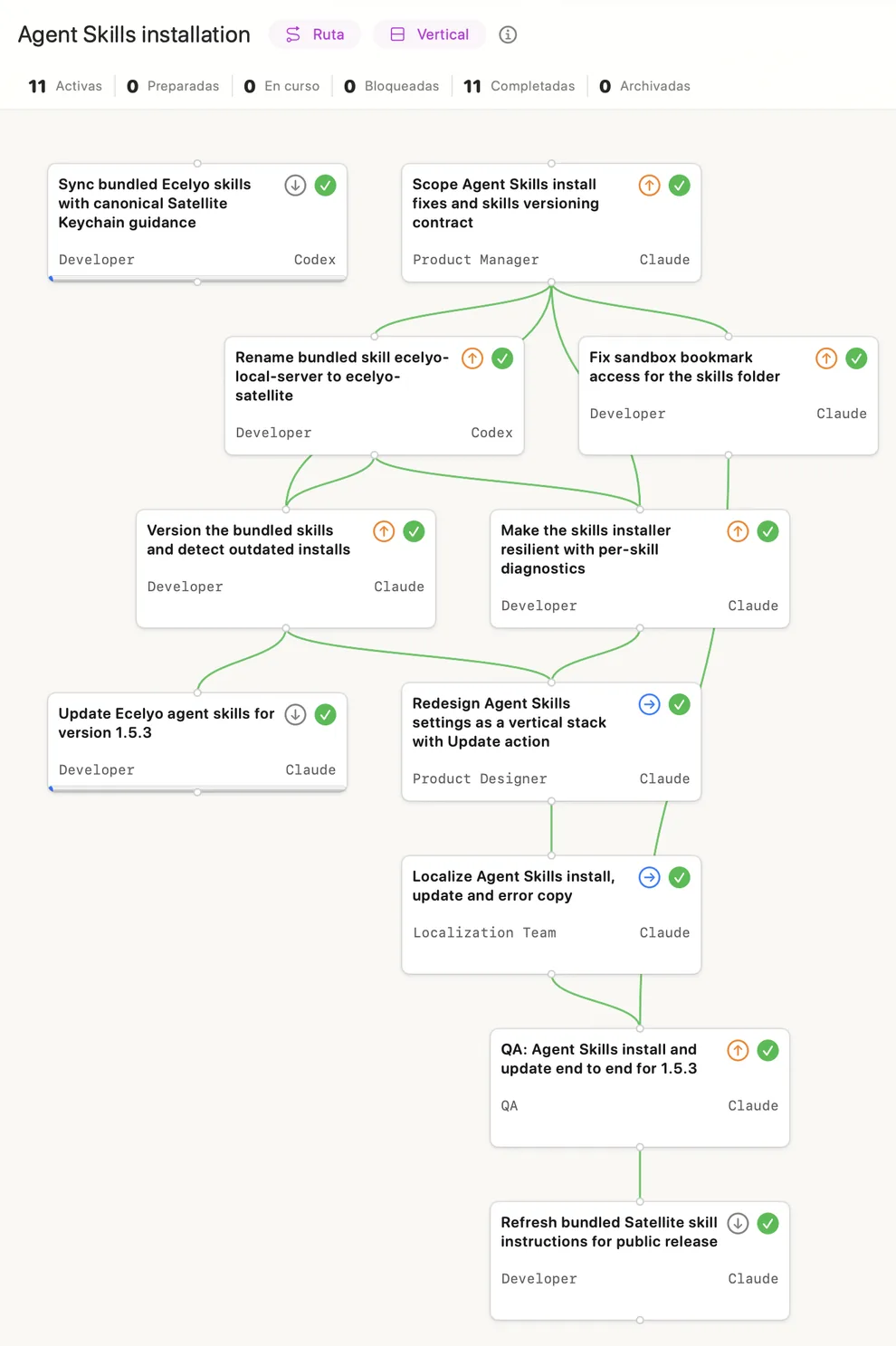
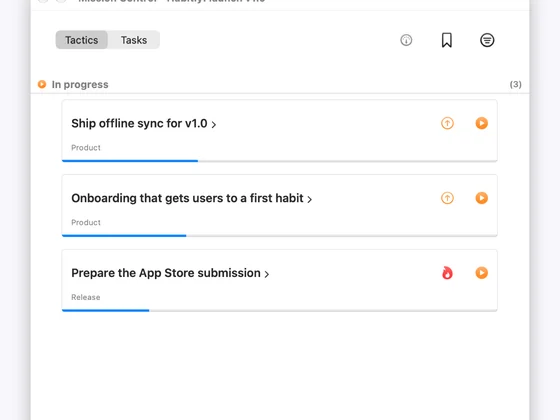
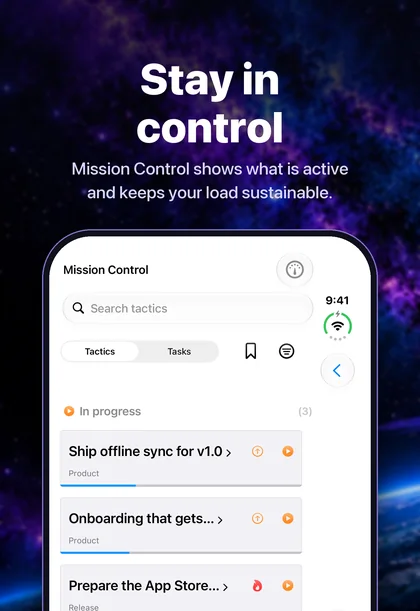
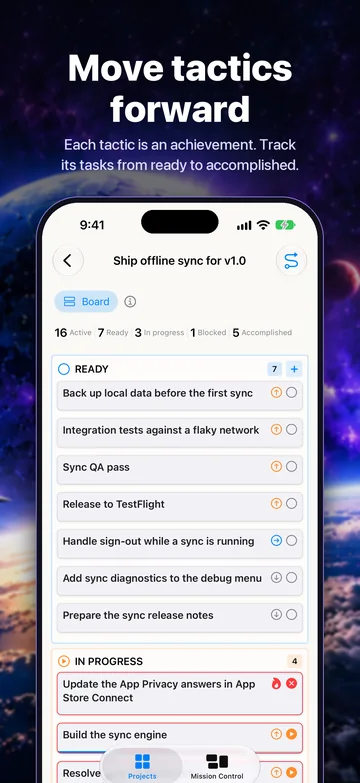
Board, Path, and Mission Control make priorities, dependencies, and open work easier to scan.
 03
Link acceptance criteria, Git branches, worktrees, and agent conversations to each task.
A simple orbit
Ecelyo connects System, Project, Tactic, and Task in one shared plan that people and agents can move forward together.
 01
Set the product or area you want to move forward.
 02
Give each responsibility a clear home within the System.
 03
Choose one strategy with a clear goal and visible end.
 04
Define the next step, its owner, and what done means.
One plan, every device
Ecelyo is free on Mac, iPhone, and iPad. iCloud keeps your workspace in sync, and on Mac, Satellite connects local AI agents to the same shared plan.
One shared command center for people and AI agents.

Built for the fold.

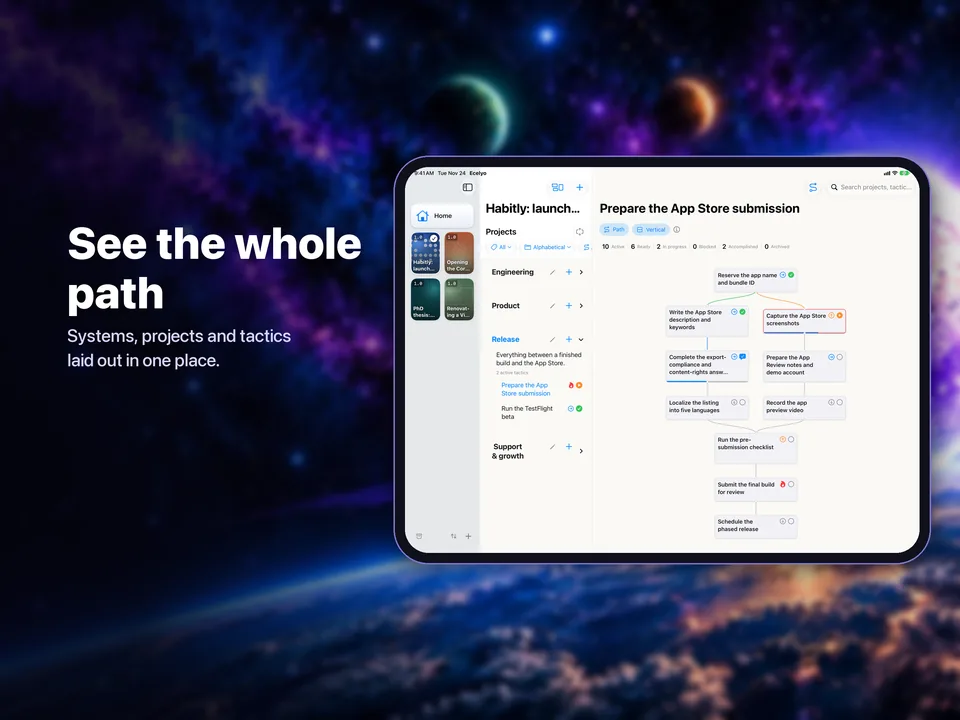
Room to see the whole path.
Capture it wherever you are.
Ecelyo is on its way to Apple Vision Pro.
Mission Control, only on your wrist.
AI services are separate and may cost extra. Ecelyo helps you keep projects, tasks, and AI agent handoffs organized.